
Grow Your Business
Bella FSM vs Jobber: Field Service Software Comparison
Which platform is better for scheduling, dispatching, and managing service businesses?
Choosing the right field service management software can directly impact how efficiently your business schedules jobs, manages technicians, and collects payments.
Two platforms commonly compared by service businesses are Bella FSM and Jobber. Both platforms help manage scheduling, dispatching, customer records, and invoicing.
The key difference is that Bella FSM combines ease of use with the flexibility growing service businesses eventually need, while Jobber follows a more standardized workflow designed for simpler operations.
This guide compares Bella FSM vs Jobber across features, scheduling tools, reporting capabilities, and operational flexibility.
Businesses evaluating field service management software often compare platforms such as Bella FSM, Jobber, ServiceTitan, Housecall Pro, and FieldPulse before choosing the best solution for their workflow.
Overview: Bella FSM vs Jobber
Both Bella FSM and Jobber are designed to simplify field service operations by bringing scheduling, dispatching, customer management, and invoicing into one platform.
Both systems aim to simplify daily operations so business owners and technicians can spend less time on administrative tasks and more time serving customers.
Where the platforms begin to differ is in how they support businesses as they grow.
Bella FSM is designed to be easy to use from day one while still providing the flexibility needed as operations become more complex. Service businesses can start with simple scheduling and invoicing tools, then take advantage of additional features such as customizable workflows, advanced reporting, and resource management as their company expands.
Jobber also provides an easy-to-use interface for managing day-to-day service work, particularly for businesses with straightforward scheduling and operational needs.
Because of this, companies evaluating field service software often compare Bella FSM and Jobber when deciding which platform will support both their current needs and their long-term growth.
Feature Comparison: Bella FSM vs Jobber
| Feature | Bella FSM | Jobber |
|---|---|---|
| Ease of Use | Simple interface designed for quick adoption | User-friendly interface |
| Scheduling & Dispatch | Flexible scheduling with technician and resource management | Calendar-based scheduling tools |
| Customer Management | Detailed customer profiles with full service history | Customer records and job history |
| Estimates & Invoices | Estimate → job → invoice workflow | Estimate and invoice generation |
| Reporting | Customizable reporting and operational insights | Standard reporting dashboards |
| Workflow Flexibility | Customizable workflows for growing service businesses | More limited workflow customization |
| Mobile Access | Mobile access for technicians in the field | Mobile apps for technicians |
Both Bella FSM and Jobber are designed to simplify field service operations. The difference is that Bella FSM combines ease of use with the flexibility many growing service businesses eventually need.
Scheduling and Dispatch
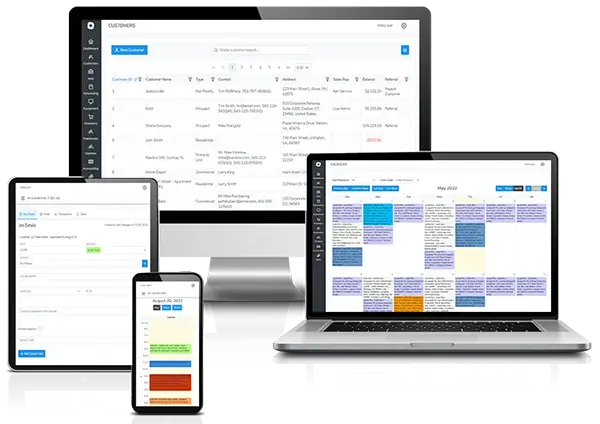
Scheduling is one of the most important functions for any field service business.
Bella FSM provides a simple scheduling interface that allows businesses to quickly assign jobs, manage technicians, and track upcoming appointments. As operations grow, the platform also offers additional tools that help businesses coordinate larger teams, manage resources, and optimize schedules.
This means businesses can begin with a straightforward scheduling workflow while still having access to more advanced operational tools when needed.
Jobber also provides scheduling tools through a calendar-based system, allowing businesses to assign jobs and organize technician schedules.
Both platforms help businesses manage appointments efficiently, but Bella FSM offers additional flexibility for companies that expect their scheduling needs to evolve over time.
Job-Centric Workflow
One of the key advantages of Bella FSM is its job-centric workflow design.
In many field service platforms, workflows begin with creating a customer record or building an estimate before a job can be scheduled. This can create extra steps for service businesses that primarily think in terms of jobs and scheduled work.
Bella FSM takes a different approach.
The platform is designed around the job as the central operational unit. From a single job page, service teams can manage nearly every aspect of the workflow.
From the job screen, businesses can:
- create a new customer
- add contacts
- assign service locations
- generate estimates
- convert estimates into invoices
- schedule technician visits
- add products and services
- track job activity and history
This design allows teams to manage an entire service workflow from one place without navigating through multiple modules or screens.
For many service businesses, this job-centric workflow simplifies daily operations and reduces the number of steps required to manage field service work.
Customer Management
Customer management tools help service companies track relationships, maintain service histories, and organize contact information.
Bella FSM provides centralized customer profiles where businesses can store customer details, job history, service notes, and billing information.
This allows service teams to quickly access information when scheduling work or communicating with customers.
Jobber also provides customer profiles that track service records and invoices.
Both platforms provide essential customer management features, but Bella FSM offers greater flexibility for managing operational data and business workflows.
Estimates, Invoices, and Payments
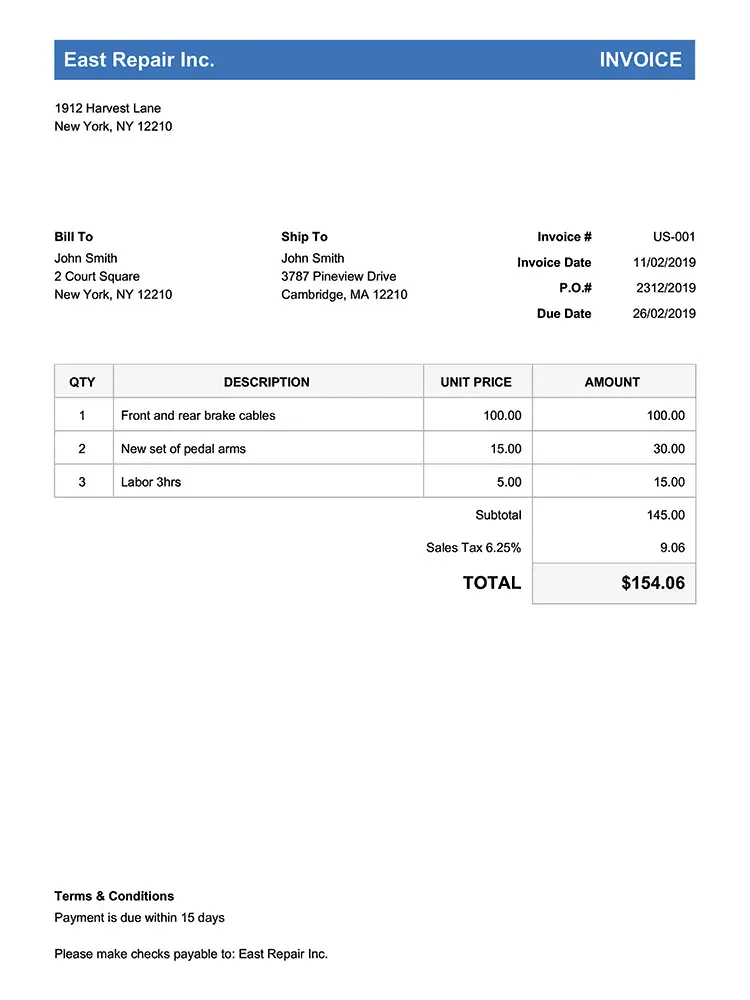
Both Bella FSM and Jobber support the full billing lifecycle, from estimate creation to payment collection.
With Bella FSM, businesses can:
- create estimates
- convert estimates to jobs
- generate invoices
- track payment activity
The system allows service businesses to manage financial workflows directly within the platform.
Jobber provides similar capabilities, allowing businesses to create estimates, schedule jobs, and collect payments online.
For many service companies, both platforms offer the essential tools needed to manage billing and customer payments.
Reporting and Business Insights
Reporting tools can help service companies identify operational improvements and track business performance.
Bella FSM provides customizable reporting tools that allow businesses to analyze job performance, revenue trends, and operational efficiency.
These insights can help business owners make informed decisions about scheduling, staffing, and growth strategies.
Jobber includes built-in reporting dashboards that provide visibility into revenue and job activity.
While these reports are useful for many businesses, companies that require deeper operational insights may benefit from more customizable reporting capabilities.
Pricing Considerations
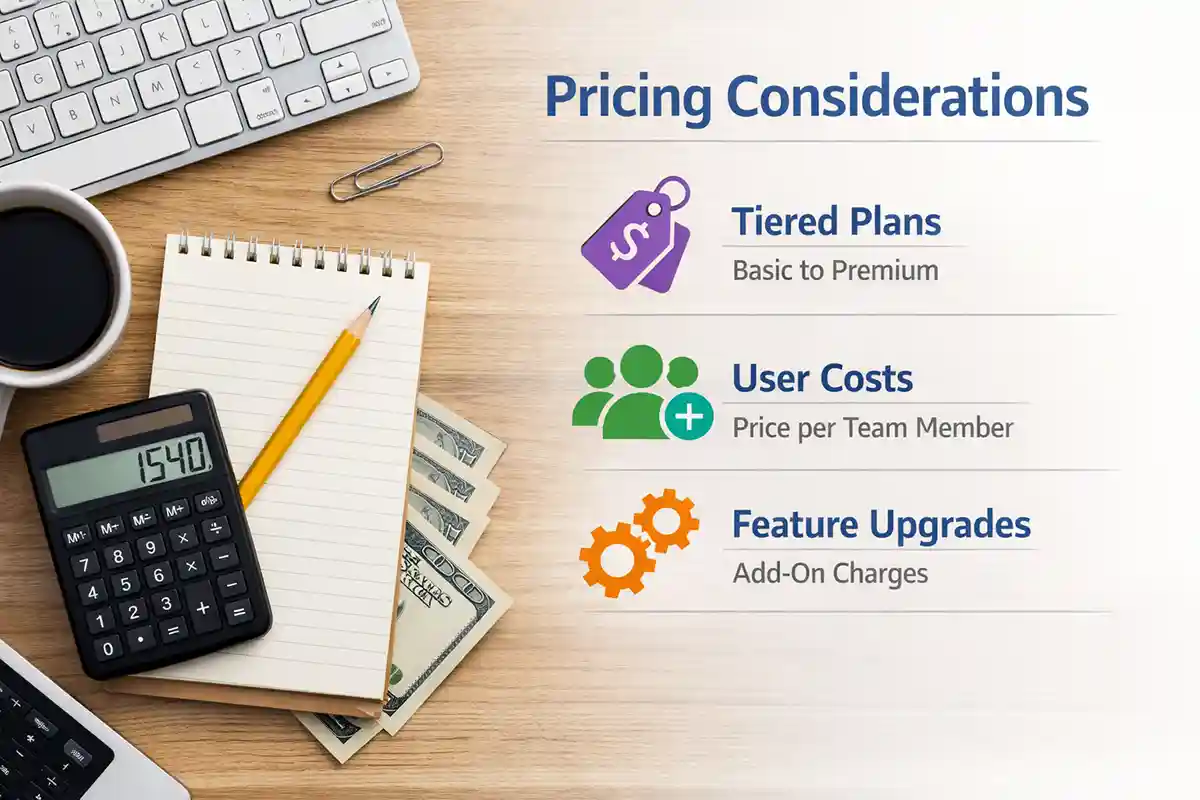
Pricing is often a key factor when comparing field service software platforms.
Jobber typically uses tiered subscription pricing, where businesses pay more as they add users or require additional features.
Bella FSM is designed with a scalable pricing structure, allowing businesses to start with the tools they need and expand their capabilities as their operations grow.
This approach helps service companies adopt the platform easily while ensuring the software can continue supporting their workflows as their team, job volume, and operational complexity increase.
Because pricing structures may change, businesses evaluating software should review the latest pricing details directly from each provider when making comparisons.
Why Businesses Look for Jobber Alternatives
Businesses searching for Jobber alternatives, Jobber competitors, or software similar to Jobber often evaluate several field service management platforms such as Bella FSM, ServiceTitan, Housecall Pro, and FieldPulse.
Many service businesses start researching Jobber alternatives when they want software that remains simple to use while offering additional flexibility as their operations grow.
Companies often compare platforms based on:
- ease of use
- scheduling flexibility
- reporting capabilities
- scalability
Bella FSM is designed to provide a balance between simplicity and flexibility, allowing businesses to manage their daily operations easily while still having access to advanced tools as their company expands.
For businesses planning to grow their service team, manage more jobs, or analyze performance data more deeply, Bella FSM is frequently evaluated as an alternative to Jobber.
Is Bella FSM a Better Alternative to Jobber?
The best field service software depends on the needs of your business.
Bella FSM may be the better choice if you:
- want flexible scheduling and dispatch tools
- need customizable reporting and analytics
- operate a growing service company with complex workflows
Jobber may be a good option if you:
- prefer a simple interface
- operate a smaller service business
- want a widely recognized software platform
Both systems provide core field service management functionality, but businesses seeking greater flexibility and customization often consider Bella FSM when evaluating Jobber alternatives.
Industries Supported by Bella FSM
Bella FSM is designed to support many types of service businesses, including:
- HVAC contractors
- electrical contractors
- plumbing companies
- pest control businesses
- cleaning services
- landscaping companies
If you are comparing field service software platforms, you may also want to explore solutions designed specifically for your industry.

Try Bella FSM
The best way to evaluate field service software is to see how it works with your real scheduling and dispatch workflows.
Start a free trial of Bella FSM and see how easy it is to schedule jobs, manage technicians, and streamline your operations.