
Grow Your Business
Contractor Scheduling Software for Multi-Trade Project Coordination
Sequence trades, coordinate subcontractors, and hit every inspection deadline across every job site.
START FREE TRIAL

A delayed electrician holds up the drywaller. The drywaller holds up the painter. The painter holds up the final inspection. One scheduling mistake on a general contracting project creates a cascade of delays that pushes back the completion date, increases costs, and frustrates clients.
General contractor scheduling is not about booking individual appointments. It is about sequencing multiple trades across multiple job sites, coordinating subcontractor availability, aligning material deliveries with project phases, and hitting inspection deadlines set by the municipality.
Bella FSM provides scheduling software built for general contractors that manages multi-trade project timelines, subcontractor coordination, and inspection sequencing. As part of our complete general contractor software platform, scheduling integrates with contractor invoicing and contractor CRM.
Why General Contractor Scheduling Is Project-Driven
Most scheduling software is built for appointment-based businesses: a customer books a time slot, a technician shows up, the job is done in a few hours. General contracting works on an entirely different model.
A typical residential renovation involves:
- Demolition crew for 2-3 days
- Structural framing for 1-2 weeks
- Rough electrical, plumbing, and mechanical (must be sequenced, not simultaneous)
- Municipal inspection after rough-in (cannot proceed until passed)
- Insulation and drywall
- Finish trades: trim, paint, flooring, cabinetry
- Final inspections and punch list
Each phase depends on the previous one completing on time. Your scheduling tool must understand these dependencies, not just display time blocks on a calendar.

Trade Sequencing Across Subcontractors
The most critical aspect of general contractor scheduling is trade sequencing. Every construction project follows a logical order, and getting it wrong wastes time and money.
Bella FSM helps you manage trade sequences:
- Schedule subcontractors in the correct build sequence (foundation, framing, rough-in, finish)
- Set buffer days between trades to account for inspection wait times
- Visualize trade overlap on a project timeline to prevent conflicts
- Adjust downstream schedules when an upstream trade runs long
- Assign specific subcontractors based on trade, availability, and past performance
With subcontractor records stored in your contractor CRM, you can check availability, review past performance notes, and assign the right crew for each phase without leaving the scheduling view.
Scheduling Tip
Build in 2-3 buffer days after rough-in trades before scheduling the municipal inspection. Inspector delays are the most common source of schedule slippage on residential projects, and having a buffer prevents cascading delays across all downstream trades.
Multi-Site Project Management from One Dashboard
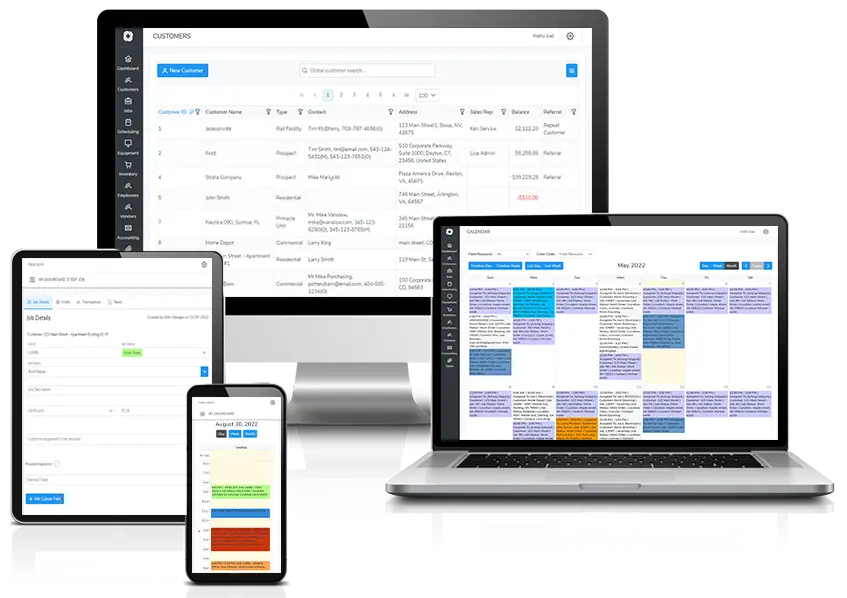
Most general contractors run 5-12 active projects simultaneously. Each project has its own timeline, subcontractor mix, inspection schedule, and client expectations. Managing all of this across separate spreadsheets or whiteboards is a recipe for double-bookings and missed deadlines.
Bella FSM gives you a centralized dashboard to:
- View all active projects and their current phase at a glance
- See subcontractor commitments across all job sites to prevent overbooking
- Drag and drop schedule adjustments when priorities shift
- Filter views by project, subcontractor, trade, or date range
- Get real-time status updates from field superintendents via mobile
Your office can see that the electrician scheduled for Tuesday at the Main Street project is also needed at the Oak Avenue site on Wednesday. Instead of finding out about the conflict the morning of, you resolve it days in advance.
Mobile Access for Field Superintendents
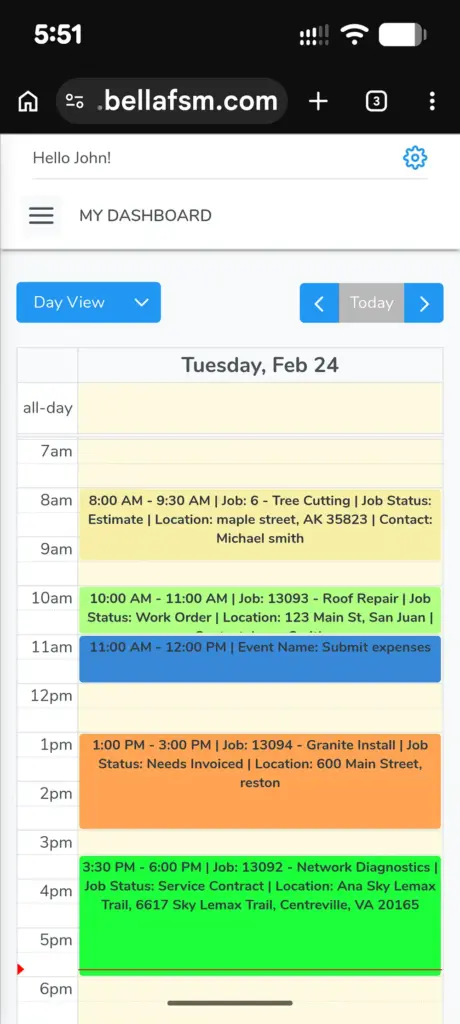
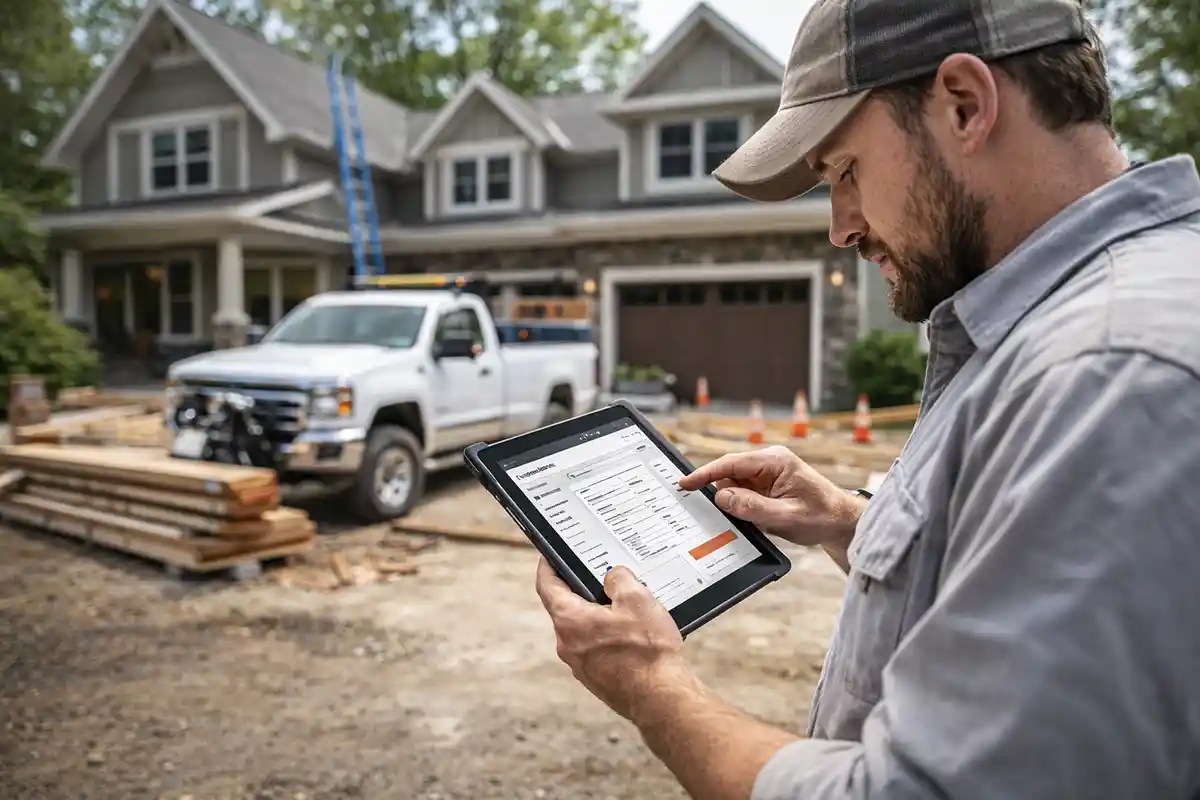
Your project superintendent needs to update schedules, check subcontractor assignments, and communicate changes from the job site. Driving back to the office to check a whiteboard is not an option.
Bella FSM's mobile tools give field teams:
- Real-time schedule visibility from any phone or tablet
- Ability to update job status and completion percentages
- Photo documentation attached to project milestones
- Instant communication with the office about schedule changes
- Access to project documents, permits, and blueprints on site
When the superintendent marks a phase complete on their phone, the office sees it immediately. If a delay occurs, the schedule can be adjusted before it cascades to other trades.
Inspection Milestone Scheduling
Municipal inspections are hard deadlines that control the pace of every construction project. You cannot close drywall until rough-in passes inspection. You cannot issue a certificate of occupancy until final inspection is approved. Missing an inspection window can delay a project by days or weeks.
Bella FSM helps you stay ahead of inspection timelines:
- Schedule inspection requests as milestones within the project timeline
- Set reminders to submit inspection requests before the work reaches that phase
- Track inspection results (pass, fail, conditional) with notes
- Automatically adjust downstream schedules when an inspection is delayed
- Maintain a log of all inspections per project for compliance records
Inspection milestones also trigger billing. When a phase passes inspection, the corresponding progress payment is ready to invoice through contractor invoicing software. Your office does not need to chase the field for status updates — the data flows through the system.
How Scheduling Connects with CRM & Invoicing
Scheduling data should flow into your CRM and invoicing without manual re-entry. Bella FSM integrates scheduling across your operation:
- Subcontractor assignments pull from CRM records with contact info and trade details
- Completed milestones trigger invoice generation through the billing system
- Client project history in the CRM includes scheduling data and timeline records
- Job costing connects scheduled labor and materials with actual costs
This integration eliminates the disconnect between what happens in the field and what gets billed. Client details from the contractor CRM pre-populate every scheduled job, and completed work automatically flags for billing in contractor invoicing. Explore our complete general contractor software platform to see how everything connects.
Material Delivery Coordination
Materials need to arrive at the right job site, at the right time, in the right order. Framing lumber before the foundation is poured wastes space and creates a theft risk. Cabinets delivered before drywall is finished have nowhere to go.
Bella FSM helps you align material deliveries with project phases:
- Schedule delivery windows that match the project timeline
- Track delivery confirmations and delays
- Notify the field superintendent when deliveries are en route
- Record material costs against the project budget for job costing
Material delays and waste account for a significant percentage of total project costs on residential construction. Coordinating deliveries with your project schedule directly impacts profitability.