
Grow Your Business
Carpet Cleaning Invoicing Software
Carpet cleaning invoicing software that bills the job before the carpet dries.
Per-room deep cleans, stain treatments, and water damage restoration all bill differently. Bella FSM provides dedicated carpet cleaning invoicing software that creates detailed, professional invoices from completed jobs. Every room, every treatment, and every upsell makes it onto the bill.
Start Free Trial
Per-room line items
Upsells captured at the door
Signature & payment on-site
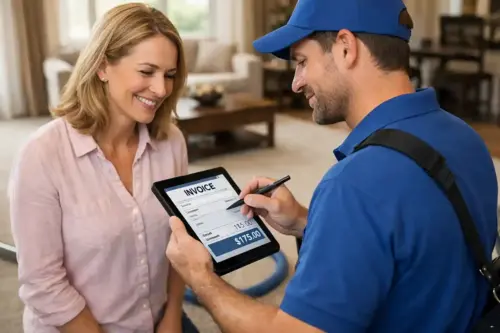
Invoice sent
5 rooms · signed on-site
Progress billing
Building 2 of 4 invoiced
Built for carpet cleaning billing
Why slow carpet cleaning billing leaks revenue and how invoicing software fixes it
Each invoice needs to capture every room, every treatment, and every upsell or you leave money on the table.
The reality
Every carpet job bills differently
- Per-room rates for residential, per-square-foot for commercial
- Stain treatment and pet odor add-ons stack on base pricing
- Protection upsells agreed verbally at the door
- Restoration work adds equipment and dehumidifier charges
- Move-in/move-out cleans need photo documentation
What goes wrong
Carpet work orders pile up on the dash
- A $275 whole-home deep clean waits a week to get billed
- The homeowner forgets the total and questions the charges
- An upsell agreed at the door never reaches the office
- Multi-week commercial projects lose track of milestones
- Receivables age while nobody watches the balance
With Bella FSM
The carpet job is billed before the van is packed
- The invoice auto-populates from the completed work order
- Rooms, add-ons, and upsells itemized line by line
- Signature captured and payment link delivered on-site
- Deposits and progress payments tied to one job record
- Unpaid balances surface before they go stale
What carpet billing needs
Key features of Bella FSM carpet cleaning invoicing software
Billing that fits the trade: room refreshes, whole-home deep cleans, overnight commercial work, and restoration jobs all flow through one invoicing system.
Per-Room & Per-Square-Foot Carpet Pricing
Bill residential jobs by the room and commercial spaces by square footage, with pre-built line items for every carpet service you offer.
Carpet Add-On & Upsell Line Items
Stain treatment, pet odor, and protection application charges stack cleanly on the base price, so the upsell agreed at the door always gets billed.
Signature & Carpet Photo Documentation
Capture the customer's signature on-site and attach before-and-after photos to the invoice for quality proof and deposit disputes.
Progress Billing for Commercial Carpet Jobs
Collect a deposit, invoice per building or floor as work completes, and send the final bill with documentation, all tied to one job record.
Automated Carpet Invoice Payment Reminders
Past-due invoices trigger their own reminders, and recurring commercial contracts bill on schedule without anyone touching a keyboard.
Carpet Cleaning Tax, Payments & Reporting
Tax calculation by service area, card and online payments, and revenue reporting by job type, crew, or time period.
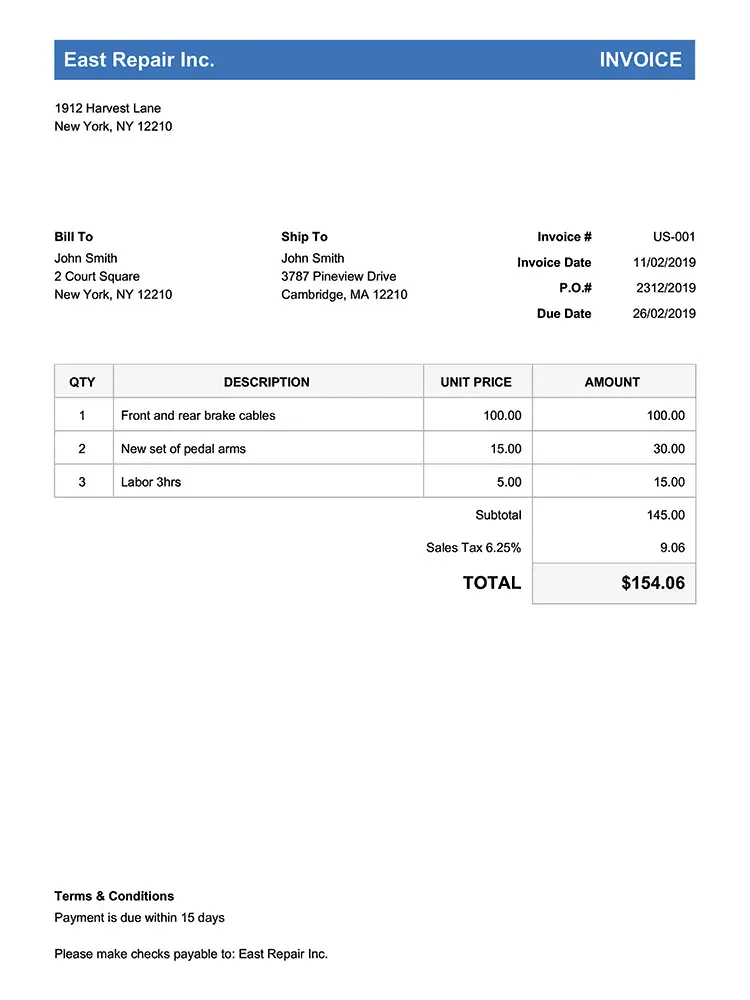
Every room, every add-on
Itemized Billing
Build Professional Carpet Cleaning Invoices with Clear Line-Item Pricing
Carpet cleaning jobs range from quick room refreshes to full-home deep cleans with stain treatment add-ons. Deep cleaning, spot removal, upholstery, commercial maintenance, water damage restoration, pet odor treatment, and move-in/move-out cleans each land as their own clear line item.
- Pre-built line items for carpet cleaning services
- Per-room and per-square-foot pricing options
- Photo documentation attached to invoices
- Customer signature capture on-site
- Automated payment reminders
- Multi-job and recurring billing
- Tax calculation by service area
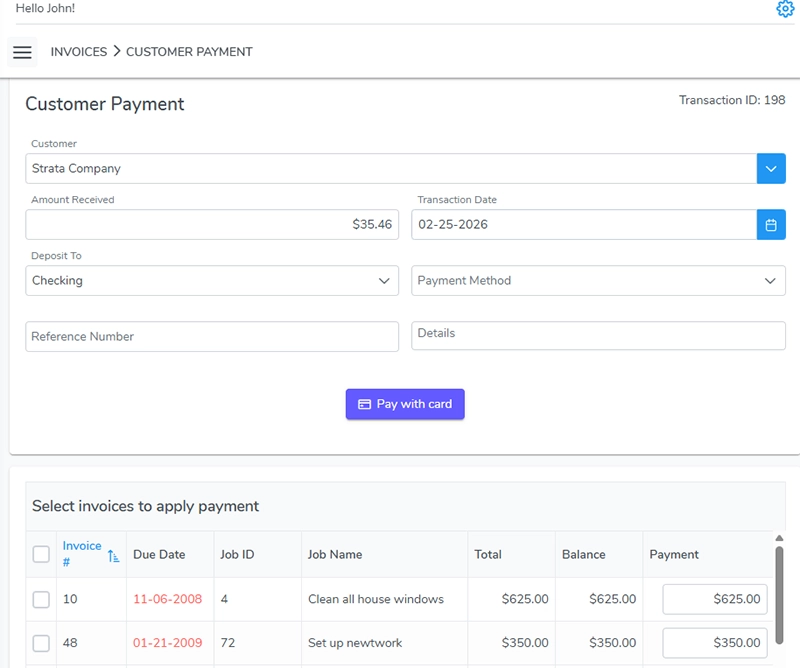
Milestones, one job record
Commercial Projects
Stay on Top of Progress Billing for Commercial Carpet Contracts
A property management company hires you for a 40-unit apartment turnover. You collect a deposit before bringing in the truck-mount, invoice per building as each floor is completed, and send the final bill with before-and-after photos once the last unit passes inspection. Bella FSM ties each progress payment to the same job record so nothing gets lost when projects span multiple days or weeks. Landing that kind of work starts with winning commercial carpet cleaning contracts.
- Deposit collection before work begins
- Progress payments for multi-phase restoration projects
- Final completion billing with before-and-after documentation
- Every milestone tied to one job record
- Recurring commercial maintenance billed on schedule
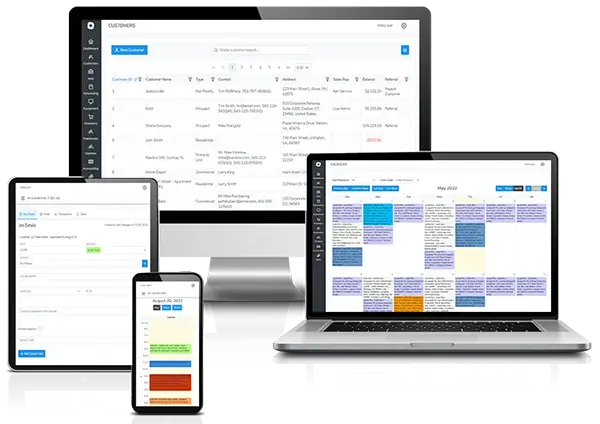
Nothing ages unnoticed
Payments & Reporting
Carpet Cleaning Accounting Software That Keeps Payments Organized
During spring cleaning season, you might run 8-10 residential jobs a day across two vans. When a $275 whole-home deep clean gets buried in a stack of work orders on the dashboard, that invoice doesn't get sent for a week and by then the homeowner has forgotten the total and starts questioning the charges. Bella FSM helps carpet cleaning contractors:
- Monitor unpaid balances and aging receivables
- Record payment methods and transaction details
- Track revenue by job type, crew, or time period
- Review billing history per customer or property
- Generate financial reports for tax preparation
No flat-rate straitjacket
Pricing Models
Set Up and Use Flexible Carpet Cleaning Pricing Models
A 3-bedroom residential deep clean with pet stain treatment bills completely differently than a 10,000-square-foot commercial office on a monthly maintenance contract. Add water damage restoration with equipment rental charges and dehumidifier fees, and you need invoicing that adapts to each job type without forcing everything into the same flat-rate template. Pricing right is half the margin. See our breakdown of whether carpet cleaning is a profitable business.
- Per-room pricing for residential cleaning
- Per-square-foot rates for commercial spaces
- Add-on charges for stain treatment and pet odor removal
- Package pricing for whole-home deep cleans
- Emergency water damage restoration premiums

No surprise totals
Client Trust
Carpet Cleaning Billing Clarity That Eliminates Client Questions
When a homeowner receives an invoice that breaks down each room cleaned, shows the pet stain treatment as a separate line item, lists the protection application with the square footage covered, and includes before-and-after photos of the living room traffic lane, they understand exactly what they paid for. That level of detail eliminates the "I thought it was going to be less" phone calls.
- Build invoices with per-room, per-area, and add-on pricing
- Include stain treatment, pet odor, and protection upsell charges
- Attach before-and-after photos for client documentation
- Manage commercial contract billing on recurring schedules
- Collect payment on-site while the client sees the results
Job done, money in
How a finished carpet job becomes a paid invoice
01
Mark the carpet job complete
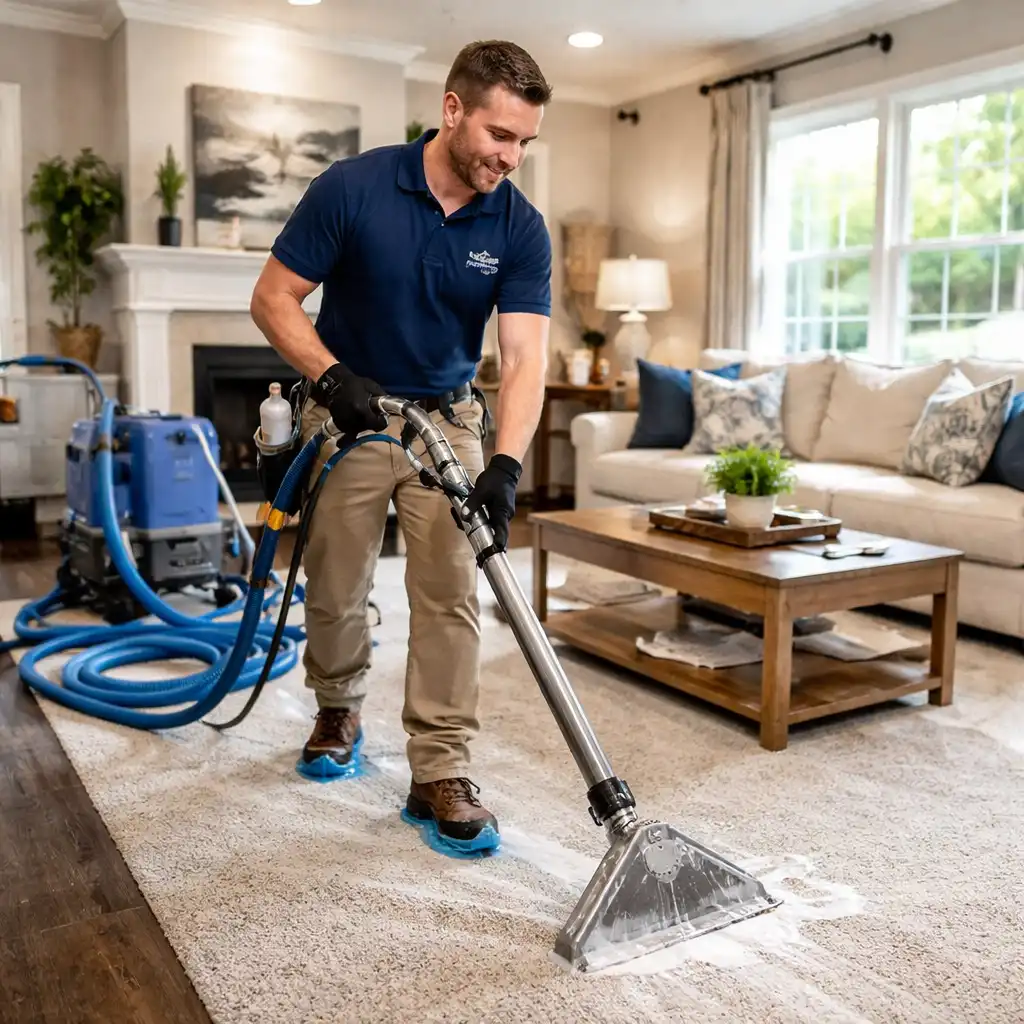
Your tech finishes the 5-room deep clean and taps complete on their phone before winding up the hoses.
02
The carpet cleaning invoice builds itself
Per-room rates, stain treatment add-ons, and the Scotchgard upsell the homeowner agreed to at the door populate automatically. Nobody at the office re-enters anything.
03
Collect before you leave the carpet job
The customer signs on the tablet and pays by card or payment link while the results are right there in front of them.
Still‑dampbilling
Billing Tip · Don't Wait for Friday
Why invoicing before the carpet dries gets contractors paid faster
Carpet cleaning is a same-day service. Your billing should be too. Every minute between job completion and payment is an opportunity to collect. The customer gets a professional invoice while the carpet is still damp, and the payment link is right there.
Start Free TrialFrequently Asked
Frequently Asked Questions About Carpet Cleaning Invoicing Software
What is carpet cleaning invoicing software?
It's a billing tool designed for the way carpet cleaning contractors actually work — handling per-room deep cleans, stain treatment add-ons, Scotchgard upsells, water damage restoration with equipment charges, and move-in/move-out cleaning jobs.
Bella FSM builds each invoice type from the finished work order, so your techs can bill on-site before the van leaves the driveway.
Can carpet cleaning billing software handle commercial deposits and progress payments?
Yes. On a large apartment turnover you can collect a deposit before bringing in the truck-mount, invoice as each floor is completed, and send the final bill with before-and-after documentation when the last unit passes inspection. Every milestone stays attached to a single job record.
Does carpet cleaning invoicing software integrate with scheduling?
Yes. When your tech marks a 5-room deep clean complete on their phone, the invoice auto-populates with per-room rates, stain treatment add-ons, and the Scotchgard upsell they agreed to at the door — allowing completed carpet cleaning jobs to be converted directly into invoices without manual data entry.
How does carpet cleaning invoicing software improve cash flow?
By tracking unpaid balances during peak seasons, sending digital invoices immediately after job completion, and monitoring payment status from your office or on the technician's phone. During spring cleaning season when you're running 8-10 jobs a day, invoices get sent the same day instead of piling up.
Is carpet cleaning invoicing software useful for small contractors?
Especially for small shops. A two-van operation can't afford to have invoices sitting in a pile for a week while customers forget the details. Bella FSM lets your technician generate and send a professional, itemized invoice on-site with room breakdowns and add-ons already listed — even small carpet cleaning businesses benefit from organized billing, automated invoice generation, and structured payment tracking.
Get paid the same day
Close out every carpet job with payment in hand.
Free 14-day trial. No credit card required. Cancel anytime. Itemize every room and add-on, bill from the driveway, and stop letting invoices ride the dashboard.
What you get on day one
- On-site itemized invoices with signature capture
- Per-room and per-square-foot pricing built in
- Progress billing for multi-phase commercial work
- Automated payment reminders and receivables tracking
- Photo documentation attached to every bill
- U.S.-based support that knows field service