
Grow Your Business
Cleaning Business Key Management: How to Control Client Access and Cut Your Liability
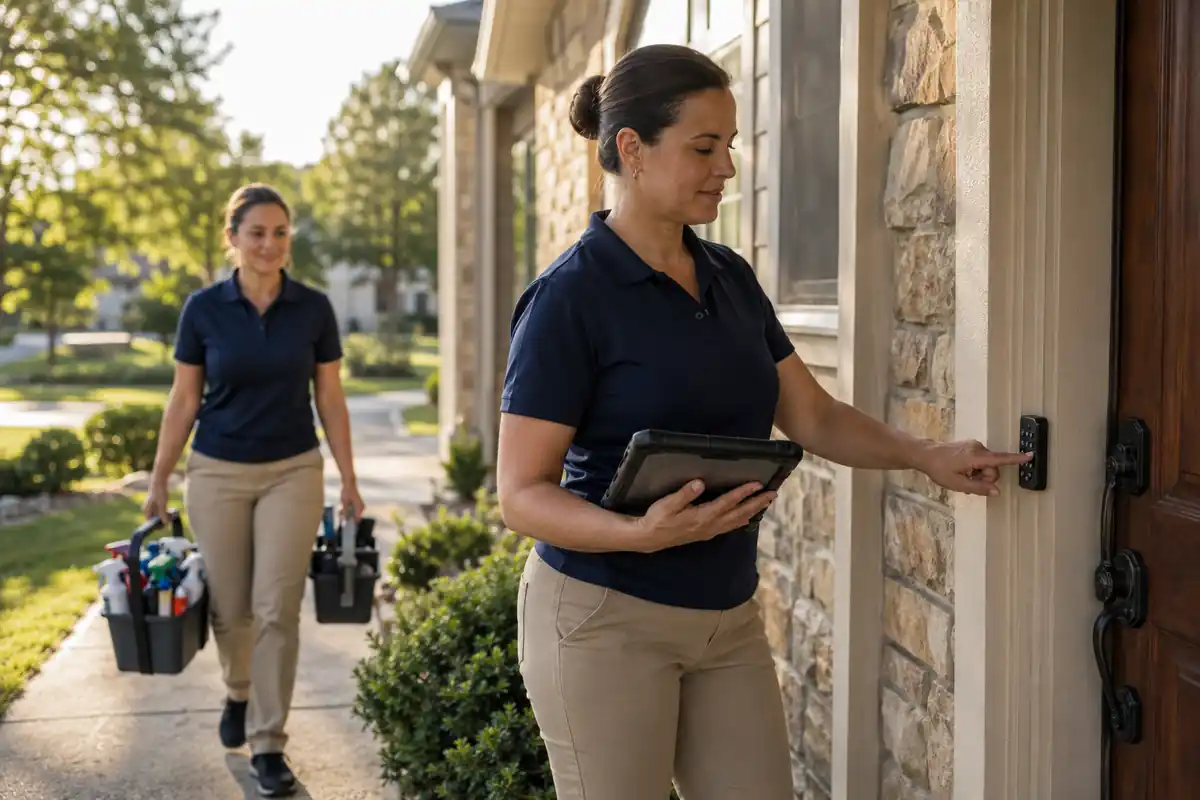
On Monday morning a crew lead texts you from a driveway two towns over. The lockbox code does not work, the client is already at her office, and three more houses are stacked behind this one. Every cleaning company hits this eventually. Access is the one part of the job that has to happen before any cleaning does, and when it fails the whole route slides. Cleaning business key management is not a security hobby. It is a scheduling problem, a liability problem, and a staffing problem wearing the same uniform. Owners running twenty or more recurring accounts learn that keys, lockbox codes, alarm panels, and gate fobs need the same discipline they already give to cleaning business software and payroll.
Key Control Usually Breaks Around the Fifteenth Account
At five accounts, key control is a ring in the owner's truck and a good memory. It works. At fifteen to twenty accounts with two or three crews on different days, that system costs real money, and it never announces itself as a key problem. It shows up as late starts and no-show complaints.
Run the math. A crew of two waiting twenty-five minutes for a working code burns fifty labor minutes. Three of those a week across two crews is roughly 130 hours a year. At a loaded labor cost of $22 an hour, that is near $2,900, before overtime.
There is a quieter cost. Access delays push crews to rush the back half of the route, and rushed work is where redo visits come from. If you have tightened your cleaning business quality control process and complaints still cluster on certain days, check when those crews got through the door.
The fix is not more texting. Access belongs with the job, the way arrival windows live inside service scheduling software rather than in someone's phone.
Takeaway: Measure the minutes a week your crews lose at the door. That number justifies everything else here.

What a Real Cleaning Business Key Management Policy Contains
Most companies think they have a key policy. What they have is a habit. A policy is written, signed, and survives the person who invented it. Six elements make it real.
- A unique asset ID for every key, fob, and code. Key 114, not "the Henderson key."
- No identifying labels on the key itself. This is the most common mistake in the trade. A key tagged with a street address turns a lost keyring into a burglary kit.
- A chain-of-custody log: asset ID, holder, date issued, date returned.
- One source of truth on the customer record. Access notes, alarm codes, and gate instructions belong on the account, which is the job of a field service crm for small business. Codes living in a group text cannot be revoked.
- A signed acknowledgment from every employee issued an asset, stating replacement cost.
- A written escalation path for failed entry, so a crew knows who to call and how long to wait.
Crews improvise when nobody told them what to do, and improvisation at a locked door is how spare keys end up under mats.
Takeaway: Put the policy on one page, have every employee sign it at hire, and file it.
Ready to level up your business?
Try Bella FSM free and transform the way you work.
Physical Keys, Lockboxes, or Smart Lock Codes: Choose Per Account
There is no single right answer, whatever the smart lock vendors say. The right method depends on how often the crew on that account changes and what the hardware accepts.
| Method | Setup cost | Cost to change access | Audit trail | Best fit |
|---|---|---|---|---|
| Physical key on a numbered fob | $0 to $5 | $20 to $35 per cylinder plus a $100 to $130 trip fee | None | Older commercial sites with hardware the client will not replace |
| Mechanical lockbox | $30 to $60 per site | A truck roll and ten minutes on site | None | Stable residential accounts, one consistent crew |
| Smart lock or keypad code | $120 to $300 per door | Near zero, changed remotely | Full entry log by user | High-turnover and multi-crew accounts needing proof of entry |
The economics turn on that middle column. A lockbox looks cheaper until you count truck rolls. If an account changes crews four times a year and each change costs a thirty-minute round trip, the keypad pays for itself in two seasons.
Smart locks have real drawbacks. Batteries die, usually in January. The client controls the account, so a password change locks out your crew without warning. Document a backup access method for every smart lock account.
Whatever the method, the crew needs instructions at the door, not buried in a text thread from March. Access notes should surface on the job itself in a mobile field service app, beside the scope and the checklist.
Hardware costs deserve the same visibility. Clients increasingly ask their cleaner to source and install the keypad, so bill the parts and labor as a line item through your field service invoicing software rather than absorbing it.
Takeaway: Tag every account with its access method and review the physical-key accounts annually. Those are the expensive ones.

The Insurance Gap Owners Find Out About Too Late
This is the part most trade articles skip. Standard general liability policies commonly exclude damage to property in your care, custody, or control. Because your company holds the client's key, an insurer can treat that building as under your control. A client's rekeying claim after your employee loses a master key may then be denied under the policy you assumed covered it. Owners learn this during the claim, not before.
Work the arithmetic on a mid-sized commercial account. A crew lead loses the master key to a forty-door office building. Forty cylinders at $30 each is $1,200, plus a trip charge, plus new keys for every tenant. Call it $1,400 to $1,600 on a contract billing $2,800 a month.
Two coverages address this, and they differ:
- A key replacement endorsement on your liability policy, covering the cost of restoring building security after a key you held goes missing.
- A janitorial bond, which is employee dishonesty coverage. It reimburses the client if your employee steals on site. Cleaning businesses commonly pay $100 to $150 a year for coverage written between $10,000 and $100,000, and it is a routine requirement in commercial bid packets.
The bond does not cover a lost key, and the endorsement does not cover theft. Carry both. Combined they cost less than one rekey event. File your agent's written confirmation with the certificates of insurance in your cleaning company software.
Takeaway: Ask your agent one question: if my employee loses a client's master key, which policy pays for the rekey? A vague answer means you are exposed.
Ready to take your business further?
Start using Bella FSM free and work smarter.
Turnover Is Your Largest Key Risk, Not Burglars
Cleaning is a high-churn trade. Industry surveys put turnover near 42 percent, and roughly 78 percent of companies report hiring difficulty. Every departure is a key event, and the danger is almost never a crime. It is the fob that left in a jacket pocket and went unnoticed for months.
On hire, in this order: background check clears, policy signed, assets issued and logged, codes created under that person's name. Never issue an asset before the signature, which is what makes replacement cost enforceable.
On departure, same day as the final shift:
- Collect every key and fob against the log, item by item.
- Deactivate that person's smart lock credentials at every account.
- Rotate any shared lockbox code they knew.
- Update access notes on every affected customer record.
- Flag anything unreturned for a rekey decision within 48 hours.
Step four is where companies fail, because the information lives in three places. Access notes held on the customer record in a field service crm get updated once and reach every crew.
Prevention counts too. Turnover you never have is a key event you never process, which is one more reason to be deliberate about how you hire employees for cleaning work.
Takeaway: Make key recovery a required field on your termination checklist.
Audit Quarterly and Track Two Numbers
Policies decay quietly. A quarterly audit catches the drift before it becomes a claim. It runs about ninety minutes at fifty accounts.
- Reconcile physically. Match every key and fob to the log. Anything unaccounted for gets a rekey decision.
- Pull smart lock user lists and remove names no longer on payroll.
- Rotate lockbox codes on accounts where the crew changed.
- Spot-check five customer records against what crews actually do on site.
Track two numbers from your dispatch history:
- Access failure rate: the share of visits where the crew could not get in within five minutes of arrival. Under 2 percent is healthy. Above 5 percent, access is damaging your route density.
- Key reconciliation rate: assets accounted for divided by assets issued. The only target is 100 percent.
Access failure rate is the more useful number because it converts directly into schedule reliability. As it falls, arrival windows tighten and the morning shuffling in your job scheduling software gets shorter.
Three mistakes repeat across the trade. Sharing one lockbox code across a neighborhood, so one departure compromises nine sites. Storing alarm codes in a spreadsheet six people can open. And absorbing rekey costs instead of pricing an access surcharge into physical-key contracts. That surcharge is defensible once you show the client the history from your service invoicing software.
Takeaway: Put the audit on the calendar as a recurring internal job. Unscheduled audits do not happen.
Frequently Asked Questions About Cleaning Business Key Management
Turn Access Into a System, Not a Habit
Cleaning business key management earns its place on the priority list because it touches three things at once: the hours crews lose at the door, the liability you carry for buildings you do not own, and the exposure created every time someone leaves. None of it needs expensive hardware. It needs a written policy, one place where access information lives, a same-day offboarding checklist, and a quarterly audit that actually happens.
Start with the audit. Reconcile your keys this month and let the number you cannot account for tell you how urgent the rest is. Bella FSM keeps access instructions, job details, crew assignments, and billing on one customer record, so the person at the door knows what the office knows. Start a free trial and see how the route runs.
Ready to grow your business?
Try Bella FSM free and simplify your work.