
Grow Your Business
Bella FSM vs Housecall Pro · Head to Head
Bella FSM vs Housecall Pro, flexibility beyond the standard workflow.
Choosing the right field service management software shapes how efficiently your business schedules jobs, manages technicians, and collects payments. This guide compares Bella FSM vs Housecall Pro across features, scheduling tools, reporting capabilities, and operational flexibility.
8 categories compared
Job-centric workflow
Free 14-day trial
Head to head
8 categories compared
Best fit
Growing, evolving teams
The Bottom Line
Is Bella FSM a Better Alternative to Housecall Pro?
The right choice comes down to what your business needs. Here is the short answer, with the full comparison underneath.
Room to Evolve
Bella FSM may be the better choice if you:
- ✓ want flexible scheduling and dispatch tools
- ✓ want customizable reporting and analytics
- ✓ prefer a job-centric workflow that keeps everything in one place
- ✓ operate a growing service company with evolving workflows
Housecall Pro may be a good option if you:
- ✓ prefer a straightforward, standardized workflow
- ✓ operate a smaller service business with simpler needs
- ✓ want an easy-to-use platform for day-to-day service operations
Both systems provide core field service management functionality, but businesses seeking greater flexibility and customization often consider Bella FSM when evaluating alternatives.
Side by Side
Feature Comparison: Bella FSM vs Housecall Pro
| Feature | Bella FSM | Housecall Pro |
|---|---|---|
| Ease of Use | Simple interface designed for quick adoption | User-friendly interface |
| Scheduling & Dispatch | Flexible scheduling with technician and resource management | Scheduling and dispatch tools for day-to-day operations |
| Customer Management | Detailed customer profiles with full service history | Customer records and job history |
| Estimates & Invoices | Estimate to job to invoice workflow with streamlined billing | Estimate and invoice tools |
| Reporting | Customizable reporting and operational insights | Standard reporting dashboards |
| Workflow Flexibility | Customizable workflows that scale as your business grows | More standardized workflows |
| Workflow Design | Job-centric workflow: manage customers, contacts, locations, estimates, invoices, visits, and services from a single job record | Customer centric workflows that require navigating between modules |
| Mobile Access | Mobile access for technicians in the field | Technician mobile app |
Both Bella FSM and Housecall Pro are designed to simplify field service operations. The difference is that Bella FSM combines ease of use with the flexibility many growing service businesses eventually need.
Platform Overview
Overview: Bella FSM vs Housecall Pro
Both Bella FSM and Housecall Pro are designed to simplify field service operations by bringing scheduling, dispatching, customer management, and invoicing into one platform. Both systems aim to reduce administrative work so business owners and technicians can spend more time serving customers. The differences show up in how each platform supports a business as it grows.
The Bella FSM approach
Bella FSM is built to be easy on day one and to keep providing flexibility as operations get more complex.
Businesses can start with simple scheduling and invoicing, then expand into customizable workflows, advanced reporting, and resource management as their team and job volume increase.
The Housecall Pro approach
Housecall Pro also provides an easy-to-use interface and is often used by service businesses that want a straightforward platform for day-to-day operations.
Because of this, many companies evaluate Bella FSM and Housecall Pro when deciding which platform will support both their current needs and their long-term growth.
Category 1 of 6
Scheduling and Dispatch
Scheduling sits at the center of every field service operation.
Scheduling in Bella FSM
Bella FSM keeps the scheduling interface simple, so businesses can quickly assign jobs, manage technicians, and track upcoming appointments. As operations grow, the platform also offers additional tools that help teams coordinate multiple technicians, manage resources, and optimize schedules.
Scheduling in Housecall Pro
Housecall Pro also provides scheduling and dispatch tools designed to help teams assign jobs and manage technician calendars efficiently.
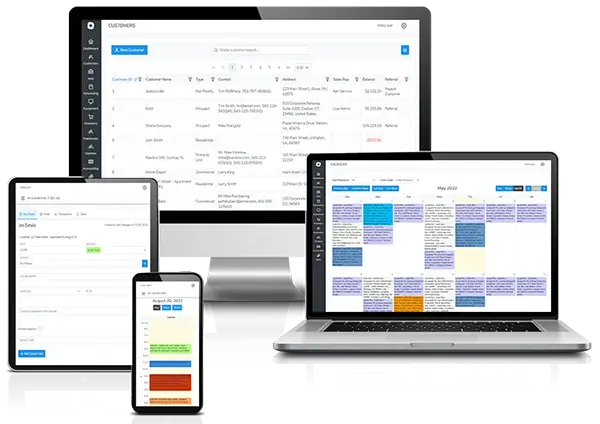
Both platforms support day-to-day scheduling needs, but Bella FSM offers additional flexibility for businesses that expect their scheduling needs to evolve over time.
Category 2 of 6
Job-Centric Workflow Advantage
The job-centric workflow design is one of the clearest advantages Bella FSM has here. In many field service platforms, workflows often start with creating customer records or building an estimate before the job becomes the central record. That can add extra steps when a service business primarily thinks in terms of jobs and scheduled work. Bella FSM is built around the job as the central operational unit.
Create and manage from a single job page
- ✓ customers
- ✓ contacts
- ✓ service locations
- ✓ estimates
- ✓ invoices
- ✓ technician visits
- ✓ products and services
What that means for daily work
This design helps keep daily work streamlined and reduces the need to jump between screens to complete common tasks.
By contrast, customer-centric workflows require navigating between modules to finish the same job.
Category 3 of 6
Customer Management
Customer records are where service companies track relationships, service histories, and contact information.
Customer records in Bella FSM
Bella FSM gives businesses centralized customer profiles for customer details, job history, service notes, and billing information.
This allows teams to quickly access information when scheduling work or communicating with customers.
Customer records in Housecall Pro
Housecall Pro also provides customer profiles that track service records and invoices.
Both platforms cover the essential customer records, but Bella FSM gives you more room to shape operational data and business workflows.
Category 4 of 6
Estimates, Invoices, and Payments
Both Bella FSM and Housecall Pro support the full billing lifecycle, from estimate creation to payment collection.
Estimates and invoices in Bella FSM
With Bella FSM, businesses can create estimates, convert estimates to jobs, generate invoices, and track payment activity.
This allows teams to manage financial workflows directly within the platform.
Estimates and invoices in Housecall Pro
Housecall Pro provides similar capabilities, allowing businesses to create estimates, schedule jobs, invoice customers, and collect payments online.
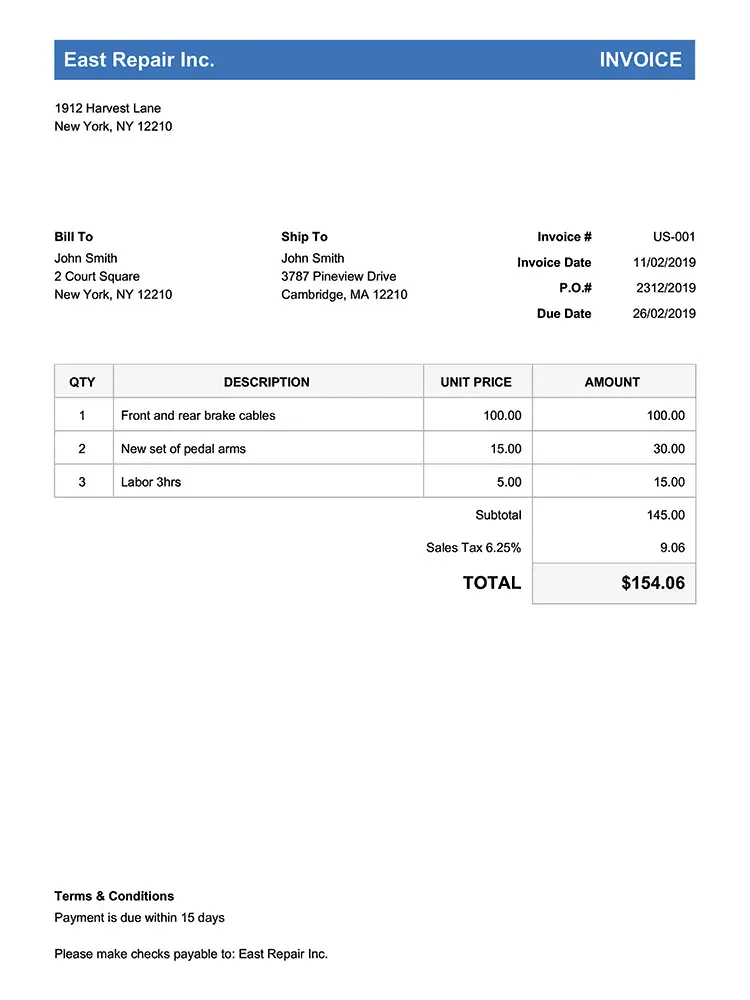
For many service companies, both platforms offer the essential tools needed to manage billing and customer payments efficiently.
Category 5 of 6
Reporting and Business Insights
Reporting is how owners spot operational improvements and track business performance.
Reporting in Bella FSM
Bella FSM ships customizable reporting tools for analyzing job performance, revenue trends, and operational efficiency.
These insights can help owners make informed decisions about scheduling, staffing, and growth.
Reporting in Housecall Pro
Housecall Pro includes reporting dashboards that provide visibility into revenue and job activity.
While those reports are helpful, businesses that require deeper operational insights or more customization often prefer more flexible reporting options.
Category 6 of 6
Pricing Considerations
Pricing is often near the top of the list when service businesses compare platforms.
How Bella FSM prices
Bella FSM uses a scalable pricing structure, so businesses start with the tools they need and expand their capabilities as their operations grow.
How Housecall Pro prices
Housecall Pro typically uses tiered subscription plans, where pricing can change as businesses add users or unlock additional features.
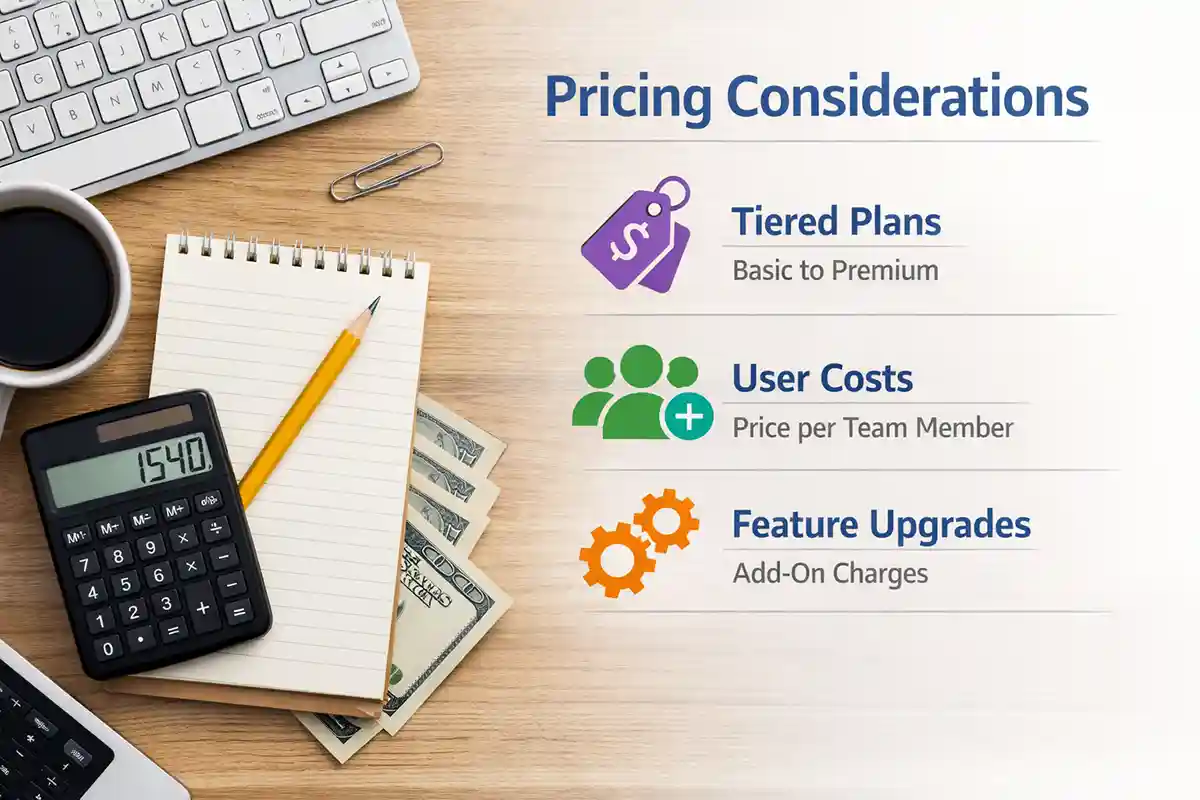
Pricing details change, so check the latest numbers with each provider before you decide.
Evaluating Alternatives
Why Businesses Look for Housecall Pro Alternatives
Businesses searching for Housecall Pro alternatives, Housecall Pro competitors, or software similar to Housecall Pro often evaluate several field service management platforms before choosing the best solution for their workflow. Many service businesses start researching alternatives when they want software that remains simple to use while offering additional flexibility as their operations grow. Four criteria come up again and again:
Ease of use
Asking whether a platform is worth it usually starts here. The interface that wins is the one your techs open without reminders.
Scheduling flexibility
Day-to-day dispatch tools cover routine weeks. Growing teams need a calendar that absorbs new techs and shifting jobs without a workaround.
Reporting capabilities
Dashboards show revenue at a glance. Owners who want to know which jobs make money need reports built around their own questions.
Scalability
A free alternative or low entry tier can look cheap until the feature unlocks add up. Watch how the cost curve bends as you add users.
Bella FSM is designed to provide a balance between simplicity and flexibility, allowing businesses to manage daily operations easily while still having access to advanced tools as their company expands.
Built for Your Trade
Industries Supported by Bella FSM
Bella FSM works for many kinds of service businesses, including:
HVAC contractors
electrical contractors
plumbing companies
pest control businesses
cleaning services
landscaping companies
If you are comparing platforms, the industry-specific pages are a good next stop.
Bella FSM vs Housecall Pro
Frequently Asked Questions
Is Bella FSM better than Housecall Pro?
Both Bella FSM and Housecall Pro provide field service management tools such as scheduling, invoicing, and customer management. Bella FSM focuses on combining ease of use with flexible workflows and customizable reporting, while Housecall Pro generally follows a more standardized approach designed for common service business workflows.
What are the best Housecall Pro alternatives?
Some commonly evaluated Housecall Pro alternatives include Bella FSM, Jobber, ServiceTitan, and FieldPulse. Businesses often compare platforms based on ease of use, scheduling capabilities, reporting tools, and pricing structure. There is no single best Housecall Pro alternative for everyone; the right pick depends on how much flexibility your workflows need.
Why do businesses look for Housecall Pro alternatives?
Some companies explore alternatives when they want more flexibility in workflows, more customizable reporting, or a platform that scales smoothly as their team and job volume grow. Others weigh Housecall Pro cost against the features they use and decide that a platform with scalable pricing fits their stage better.
What software is similar to Housecall Pro?
Software similar to Housecall Pro includes field service management platforms that provide tools for scheduling, dispatching, customer management, invoicing, and reporting, such as Bella FSM, Jobber, and ServiceTitan. If you are searching for software like Housecall Pro, list the workflows you need covered first and then trial the closest match.
Is Bella FSM easier to use than Housecall Pro?
Both platforms are designed to be easy to use. Bella FSM keeps the interface simple while letting businesses customize workflows and reporting as their operations grow. Many owners asking whether Housecall Pro is worth it end up comparing exactly this trade-off between a standardized workflow and one they can shape themselves.
Is Housecall Pro vs Bella FSM a common comparison?
Yes. Many service businesses compare Housecall Pro vs Bella FSM when they shortlist platforms for scheduling, dispatching, and invoicing. Both cover the daily basics, but Bella FSM leans into flexible workflows that growing service companies can adopt without changing how they already run jobs, which is why the two names appear together so often.
Prove It On Real Jobs
Try Bella FSM
The surest way to evaluate a platform is to run it against your own real workflows. Start a free trial of Bella FSM and see how quickly you can schedule jobs, manage technicians, and streamline your operations.
What you get on day one
- Job-centric workflow, one record per job
- Calendars that flex as the team grows
- Estimates, invoices, and payments in one flow
- Reports built around your questions
- Mobile app for techs on site
- Free 14-day trial. No credit card required.