
Grow Your Business
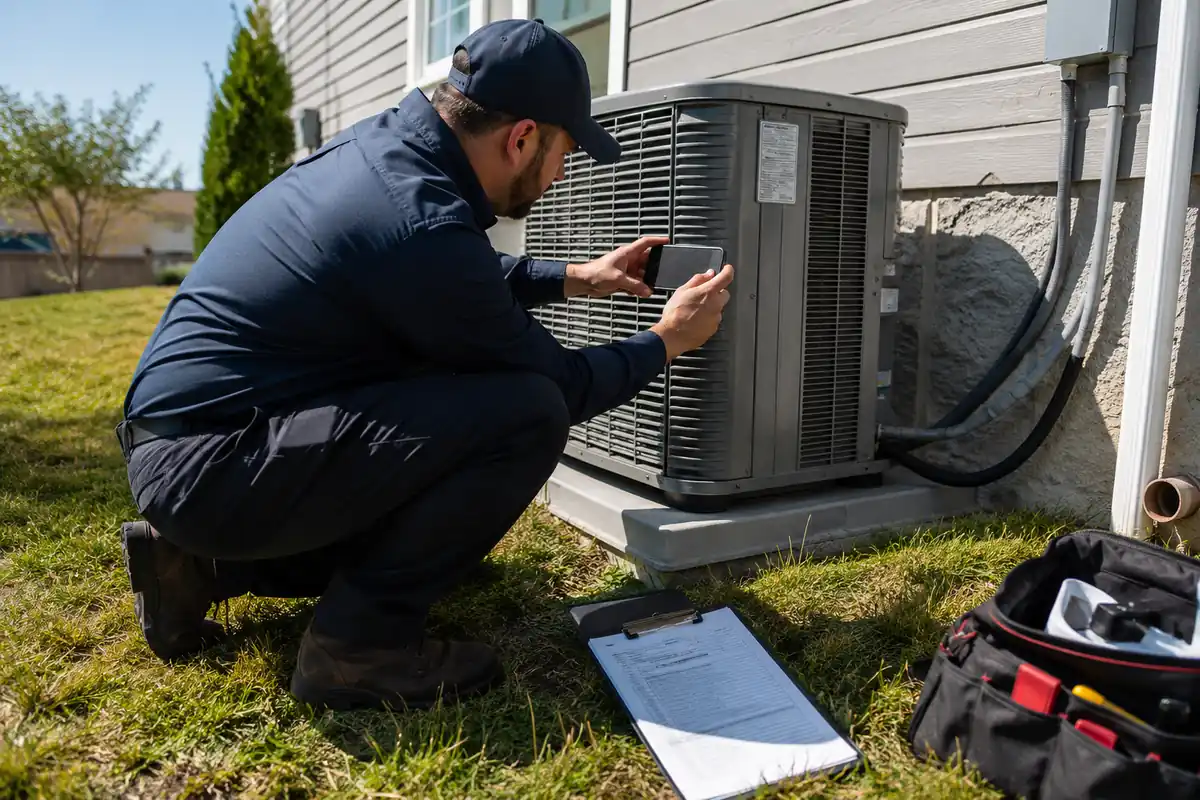
It is Monday morning and a customer from three weeks ago is on the phone. Her state rebate application came back denied for missing the AHRI reference number and a photo of the outdoor unit nameplate. Your tech was on that roof with a phone in his pocket. Nobody asked him to take the picture, so nobody did, and now $1,600 is gone. HVAC rebate paperwork has quietly become one of the biggest uncontrolled costs in a residential shop. With the federal 25C credit expired, state and utility programs carry the incentive load, and those programs push documentation duty onto the contractor. Handling it well is now part of running HVAC software driven operations, because the capture has to happen in the field, not at a desk.
Why HVAC rebate paperwork became the contractor's problem
Section 25C ended for systems installed after December 31, 2025. Homeowners who used to claim up to $2,000 on their own tax return no longer have that option. What replaced it is a patchwork: state Home Electrification and Appliance Rebates programs, utility incentives, and income qualified federal electrification dollars administered state by state.
The structural difference matters more than the dollar amounts. A tax credit is claimed by the homeowner months later using an invoice. A rebate is claimed at or near the install, usually by a participating contractor, using evidence gathered on site. Many programs also require a specific training credential and a portal the homeowner cannot access.
That shifts three risks onto your business:
- Timing risk. Most portals impose a submission window of 30 to 90 days from install. Miss it and the claim expires.
- Evidence risk. If the documentation was not captured while the truck was in the driveway, recreating it means a return trip you cannot bill.
- Reputation risk. The homeowner priced the job assuming the rebate. When it fails, they blame the company that installed the equipment.
Programs also run out of money. California's HEEHRA single family rebates hit full reservation statewide in February 2026 and stopped taking new income verification applications. A claim sitting in an inbox for two weeks can be a claim that never funds.
The five documents that kill most HVAC rebate claims
Across state and utility programs the rejection reasons cluster tightly. Five items account for the large majority of denials, and every one of them is capturable in under four minutes on site.
1. Equipment nameplate photo
A legible photo showing model number, serial number, and refrigerant type for both indoor and outdoor units. Blurry nameplate photos are the most common cause of resubmission. Take two shots, one wide and one close.
2. AHRI certificate reference number
The matched system certificate proving the indoor and outdoor combination meets the rated efficiency. Programs check the AHRI number against the installed model pair exactly. A certificate for a similar pairing gets rejected.
3. Refrigerant GWP confirmation
Since January 1, 2026, systems eligible for federally funded electrification rebates must use refrigerant with a global warming potential of 700 or lower. If you are still working through the changeover, our guide to the A2L refrigerant transition for HVAC contractors covers what has changed in handling and stocking.
4. Itemized invoice with labor and equipment split
Reviewers want equipment cost, labor cost, and any removal or electrical work listed separately. A single line reading "system replacement, $12,400" gets kicked back. Your invoice template should already break these out. If it does not, HVAC invoicing software that itemizes by default will carry the right structure through to the final bill.
5. Signed customer authorization
Most portals require a homeowner signature authorizing the contractor to submit, plus an acknowledgment of the amount. Get it signed when the customer signs off on the work, not by email three days later. Chasing signatures is where claims go to die.
Build rebate capture into the work order, not after it
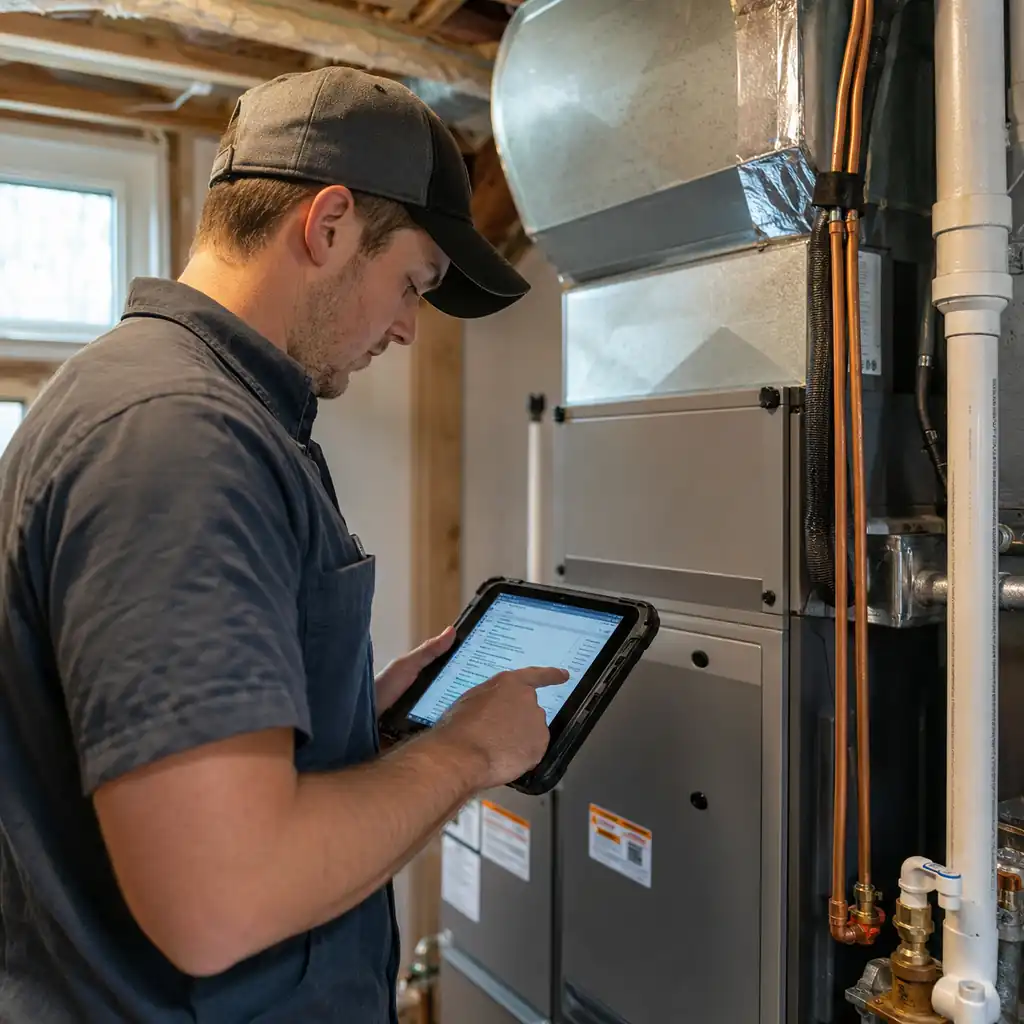
The failure mode is almost never that a technician refused to collect a document. It is that nothing in the job told him to. Fix that by making the rebate items required fields on the work order itself.
Create a rebate job type in your system. When dispatch assigns a job under that type, the mobile work order carries a checklist the tech cannot mark complete without satisfying:
- Photo: outdoor unit nameplate
- Photo: indoor unit nameplate
- Photo: completed installation, wide shot
- Field: AHRI certificate number
- Field: program name and confirmation number if pre-approved
- Signature: customer rebate authorization
This is ordinary HVAC scheduling software configuration, not a custom build. The point is enforcement. A checklist that lives on a clipboard in the office protects nothing. A checklist that blocks job completion on the tech's phone protects every claim.
The job type can also drive assignment. Shops running HVAC dispatch software can route rebate eligible installs to techs who hold the program credential, which several state programs require.
Two practical notes. First, put the checklist at the front of the closeout flow, before the invoice screen, so the tech hits it while still standing at the equipment. Second, keep it to six items or fewer. Longer lists get pencil whipped.
Ready to level up your business?
Try Bella FSM free and transform the way you work.
Assign one owner for submission and tracking
Documents captured but never submitted are worth nothing. Somebody has to own the portal work, and on a small team that person is usually the office manager or the owner's spouse, doing it between phone calls. That is how a claim sits for 40 days.
Give the role structure instead:
- Name one submitter. One person, one login per program, with a documented backup for vacation weeks.
- Set a 72 hour submission standard. Every rebate job gets filed within three business days of install. Track it as a queue, not a pile.
- Log the claim on the customer record. Program name, submission date, claim number, expected amount, status. When the homeowner calls in week six, whoever answers can give a real answer.
- Diary the follow up. Most portals go quiet. Set a task at 21 days to check status and at 45 days to escalate.
Storing claim status on the customer record rather than in a spreadsheet is the difference between a business that scales and one that does not. A proper HVAC CRM software setup keeps rebate history attached to the property and the equipment, so the next tech who visits in three years can see what was installed, what was claimed, and what the customer was told. Good HVAC customer management software also filters for every customer with an open claim.

Price the rebate work honestly
Processing a rebate takes real time. Budget 20 to 45 minutes of office labor per claim for a straightforward utility program, and 60 to 90 minutes for an income qualified federal program with verification steps. At a loaded admin rate of $35 per hour, that is $12 to $53 of cost per job that most contractors absorb without noticing.
That cost only shows up if your HVAC business software tracks admin time against the job instead of burying it in overhead.
You have three defensible options. Absorb it as a cost of sale and say so in your marketing, since "we handle the paperwork" closes jobs. Bill a flat rebate processing fee of $75 to $150, disclosed up front. Or build it into the equipment margin on rebate eligible systems. What you should not do is absorb it silently and then wonder why net margin on install work slipped two points. Our walkthrough on how to price HVAC jobs covers the broader costing method this fits inside.
One caution on the assignment model. If you let customers assign the rebate to you as an instant discount, you are financing that amount until the program pays. On a $1,600 rebate with a 60 day funding cycle across ten jobs a month, that is $16,000 of working capital tied up at any given time. Know your cash position before you offer it.
Ready to take your business further?
Start using Bella FSM free and work smarter.
Metrics that tell you the workflow is working
Four numbers, reviewed monthly, will tell you whether any of this stuck.
- Capture rate. Percentage of rebate eligible jobs where all required documents were collected on the first visit. Target 95 percent or higher. Below 85 percent means the checklist is not enforced.
- Days to submit. Average business days from install completion to portal submission. Target three or fewer.
- Approval rate. Percentage of submitted claims approved without a request for additional information. Target 90 percent. Every resubmission costs roughly 25 minutes.
- Rebate attributed close rate. Percentage of quoted jobs that closed where a rebate was part of the proposal, compared to those where it was not. This tells you what the program is worth to sales, which is usually more than the rebate itself.
Getting the invoice out cleanly matters here too, because reviewers read invoices closely. Contractors running HVAC billing software that itemizes equipment, labor, and permits by default hit far fewer documentation rejections than those hand typing invoices after the fact.
Frequently Asked Questions
Turn rebate paperwork into a competitive advantage
Every HVAC company in your market faces the same denials, the same portals, and the same 72 hour realities. Most of them handle it badly, which means "we file the paperwork and we file it right" is a differentiator you can actually market. The contractors winning these jobs are not the ones with the best refrigerant knowledge. They are the ones whose HVAC rebate paperwork moves from the driveway to the portal without anyone having to remember anything.
That takes a checklist enforced in the field, one named owner for submission, claim status on the customer record, and four numbers reviewed monthly. Bella FSM was built to run exactly that kind of workflow, connecting the estimate, the work order, the field documentation, and the invoice so nothing falls between them. Start a free trial and set up your first rebate job type this week, before the next claim slips.
Ready to grow your business?
Try Bella FSM free and simplify your work.